
Article
Automation in Staffing: A Practical Guide for Recruiters

Automation in Staffing: A Practical Guide for Recruiters
Automation handles the repetitive, rules-based work in staffing so recruiters can spend their time on the tasks that actually close placements. Staffing Industry Analysts confirms that automating top-of-funnel activities can substantially reduce cost-per-hire, and the shift is accelerating as AI tools take over screening, scheduling, and candidate communications at scale.
Two things change immediately when you automate the right tasks:
- Time-to-fill drops because resume triage, screening questions, and interview scheduling no longer sit in a recruiter’s inbox waiting for attention.
- Recruiter capacity grows because the same person can manage more requisitions without sacrificing candidate follow-up quality.
The most practical first step: pick one bottleneck, automate it, and measure the result over 30 days before expanding. For most agencies, that bottleneck is phone screening or interview scheduling.
Pro Tip: Don’t start with the flashiest AI feature. Start with the task that consumes the most recruiter hours per week. That’s where you’ll see the clearest ROI, fastest.
Table of Contents
- What does automation actually deliver for staffing teams?
- Which technologies are actually used in staffing automation today?
- What should you automate, and what should stay human?
- How do you implement automation in a staffing operation?
- Which KPIs should you track when you automate hiring?
- Where does automation create the most impact in staffing?
- What are the real risks of staffing automation, and how do you mitigate them?
- How agencies succeed with automation: industry findings and a Jobsai Enterprise example
- Key Takeaways
- The human side of automation is harder than the technology
- Jobsai Enterprise gives staffing teams a faster path to their first pilot
- Useful sources and further reading
- FAQ
What does automation actually deliver for staffing teams?
The role of automation in staffing is not to replace recruiters. It’s to remove the administrative ceiling that limits how many placements a recruiter can make. A recruiter asking the same screening questions to many candidates daily is spending significant hours on a task that produces no placements on its own. Automation handles that conversation; the recruiter reviews results and moves qualified candidates forward.
The benefits fall into four categories worth tracking separately.
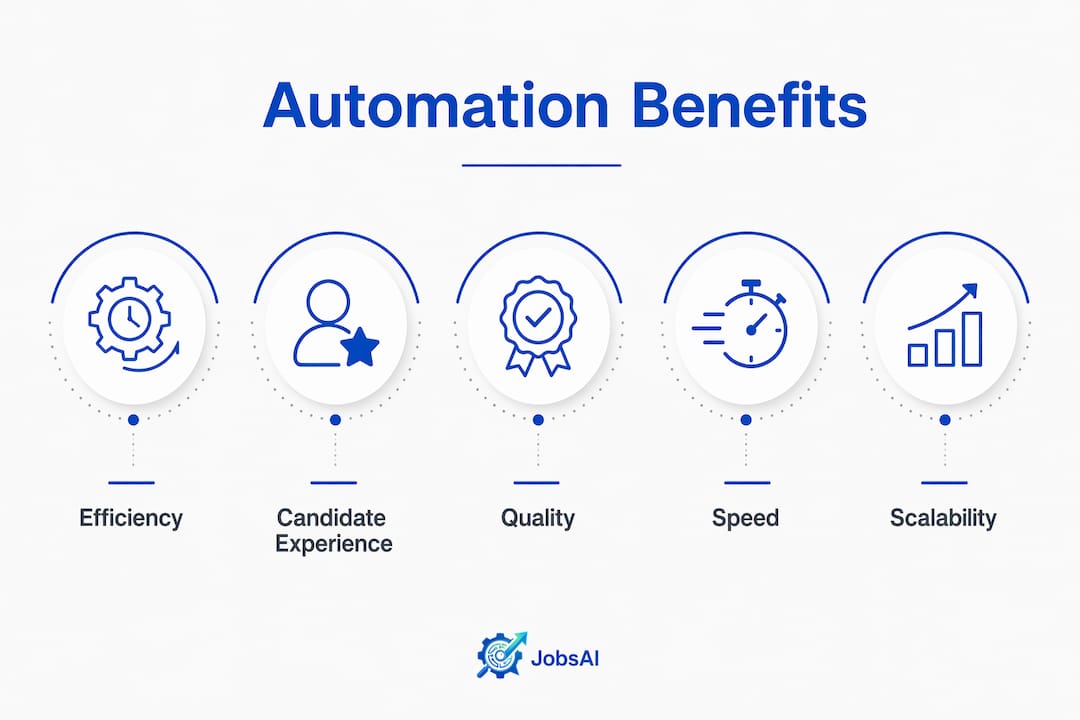
Efficiency. Automated resume parsing, AI-assisted screening, and scheduling tools can collectively reclaim substantial recruiter time each week. That’s real capacity, not theoretical savings.
Candidate experience. Candidates who receive fast, consistent responses are less likely to ghost or accept competing offers. Automated status updates and follow-ups keep candidates engaged without requiring a recruiter to manually track every touchpoint.
Cost-per-hire. Automating top-of-funnel tasks reduces the recruiter hours billed per placement. For agencies operating on thin margins, that’s a direct improvement to unit economics.
Quality of hire. Consistent screening criteria applied to every candidate reduces the variance that comes from manual review fatigue. When paired with structured evaluation metrics, automated screening tends to surface more qualified candidates per requisition.
Statistic to watch: Agencies that automate screening typically process 20–30% more candidates per recruiter without adding headcount, which translates directly into more submissions and more placements.
Pro Tip: Prioritize the benefit that maps to your biggest current pain point. If your agency loses placements because competitors submit faster, focus on time-to-submit. If your margin is the problem, focus on cost-per-hire.
Which technologies are actually used in staffing automation today?
Recruitment automation is implemented through a stack of specialized tools that each handle a distinct part of the hiring workflow. Here’s what each category does and where it fits.

ATS workflow automation triggers actions based on candidate status changes. When a candidate passes screening, they move to the next stage automatically. When a placement is made, the ATS updates and billing triggers.
Resume parsing and NLP converts unstructured resume text into structured data fields. This enables scoring and ranking without manual review of every document.
AI screening and ranking scores candidates against job requirements using weighted attributes. Recruiters see a ranked list rather than a pile of applications.
Chatbots and conversational outreach handle initial candidate engagement, collect screening answers, and answer FAQs at any hour. They’re particularly effective for high-volume roles where speed of first contact matters.
Scheduling automation connects to candidate and interviewer calendars, presents available slots, and handles rescheduling without recruiter involvement. A single interview can take 6–8 emails to schedule manually; automation reduces that to one candidate action.
Talent rediscovery surfaces previously screened candidates from your database when a new matching role opens. For agencies with large talent pools, this is often the fastest source of qualified candidates.
Automated assessments deliver skills tests or work samples to candidates at a defined stage, with results fed back into the ATS for recruiter review.
Onboarding and workflow orchestration ties offer letters, background checks, and new-hire paperwork into a single automated sequence. You can learn more about organizing applicant data efficiently to see how this fits into a broader workflow.
A typical top-of-funnel workflow chains these together: a candidate applies, parsing structures their resume, AI ranks them, a chatbot conducts initial screening, and scheduling automation books the recruiter call. The recruiter’s first manual touchpoint is a pre-qualified candidate, not a raw application.
Key implementation considerations per technology:
- Resume parsing: Requires clean, structured job descriptions to score against. Garbage in, garbage out.
- AI screening: Needs regular audits for bias. The model reflects the data it was trained on.
- Scheduling automation: Requires calendar integrations with both candidate-facing and interviewer-facing systems.
- Talent rediscovery: Only as good as the data quality in your existing talent pool.
What should you automate, and what should stay human?
The clearest way to think about this: automate rules-based tasks, keep humans on judgment-based ones. The distinction between what to automate and what to keep human is where most agencies make their biggest mistakes, usually by automating too much or too little.
Automate these:
- Resume screening and initial ranking
- Scheduling and rescheduling
- Status update communications
- Screening question delivery and capture
- Rejection notifications
- Talent pool matching for repeat roles
Keep human these:
- Final interviews and cultural fit assessment
- Offer negotiation and compensation conversations
- Client relationship management
- Decisions involving edge cases or incomplete data
- Any communication where a candidate has raised a concern
A simple handoff template: when a candidate scores above your defined threshold AND has completed the automated screening stage AND no flags are raised, the system escalates to a recruiter with a summary card. That card should include the candidate’s score, the attributes weighted, the screening responses, and a recommended next action. The recruiter reviews and decides within one business day.
Pro Tip: Tell candidates when they’re interacting with automation. A brief note (“Our initial screening is handled by AI; a recruiter will review your results and follow up within 48 hours”) reduces drop-off and builds trust. Candidates who know what to expect are more likely to complete the process.
How do you implement automation in a staffing operation?
The agencies that fail at automation try to change everything at once. The ones that succeed pick one function, measure it for 30 days, and expand from there. Here’s a practical roadmap.
- Audit your current workflow. Map every step from job order to placement. Note where recruiter hours are highest and where delays most often occur.
- Choose a pilot. Phone screening or interview scheduling are the best starting points for most agencies. Both have clear before/after metrics and mature tooling.
- Define success metrics before you start. Time-to-fill, recruiter hours per placement, and candidate response rates are the three most useful early indicators.
- Integrate with your ATS/HRIS. Automation that doesn’t connect to your existing system creates data silos. Confirm integration compatibility before committing to a tool.
- Train your team. Recruiters need to understand what the automation does, what it doesn’t do, and when to override it. This is not optional.
- Run the pilot for 4–12 weeks. Collect data, compare against your baseline, and identify friction points.
- Iterate before scaling. Fix what’s broken in the pilot before rolling out to the full team or additional functions.
Pilot checklist:
- Defined scope (one function, one team, one role type)
- Named pilot owner accountable for results
- Baseline metrics captured before launch
- Data privacy and consent review completed
- Integration tested end-to-end
- Success criteria agreed upon by stakeholders
- 30-day check-in scheduled
Change management matters as much as the technology. Recruiters who feel automation is being imposed on them will find ways around it. Involve them in tool selection, show them the time savings in concrete terms, and make clear that the goal is to give them more time for the work they actually want to do. The hiring manager workspace in a well-configured platform can also help hiring managers stay aligned with recruiters during the transition, reducing friction on the client side.
Which KPIs should you track when you automate hiring?
Operational metrics move first. Quality metrics take longer. Track both, but don’t expect quality improvements in the first 30 days.
Metrics that change quickly after automation:
- Time-to-fill: Days from job order to accepted offer. This is the most visible indicator of operational improvement.
- Time-to-offer: Days from first contact to offer extended. Useful for isolating where delays still exist.
- Candidate response rate: Percentage of outreach that receives a reply. Automated, timely outreach typically improves this.
- Funnel conversion rates: Percentage of applicants who advance at each stage. Drops at any stage signal a problem with the automation at that point.
Metrics that lag:
- Cost-per-hire: Improves as recruiter hours per placement fall, but takes a full quarter to show clearly.
- Quality-of-hire proxies: First-year retention and hiring manager satisfaction scores take 6–12 months to reflect screening quality changes.
For US staffing benchmarks, the US Staffing Industry Benchmarks guide provides current reference points for time-to-fill and cost-per-hire by role category.
Industry context: Staffing Industry Analysts notes that automating top-of-funnel activities can substantially reduce cost-per-hire. The agencies seeing the clearest results are those tracking recruiter hours per placement alongside the standard time-to-fill metric.
Where does automation create the most impact in staffing?
Four use cases consistently deliver the clearest ROI.

High-volume seasonal hiring. When a client needs 200 warehouse workers in six weeks, manual screening is not viable. Automated screening, chatbot outreach, and scheduling can process hundreds of candidates simultaneously. Agencies that automate this workflow typically reduce time-to-submit by 40–60% compared to manual processes.
Rapid redeployment for temp pools. When a temp assignment ends, the candidate needs a new placement quickly. Automated talent rediscovery matches that candidate against open roles in the database without a recruiter manually searching. The talent pool and rediscovery features in platforms built for this use case can surface matches within minutes of a role opening.
Repeat roles for ongoing clients. Many staffing agencies fill the same roles repeatedly for the same clients. Automation can maintain a pre-screened pool for those roles, reducing sourcing time to near zero for subsequent fills.
Distributed interviewer scheduling. When candidates, recruiters, and client hiring managers are in different time zones, scheduling becomes a coordination problem. Scheduling automation eliminates the back-and-forth entirely.
The ROI pattern across these use cases: sourcing and recruiter time are the primary cost buckets affected. Agency fees paid to third-party vendors also decrease when in-house automation handles more of the workflow. AI and automation are enabling employers to screen and rank candidates internally, which means agencies that don’t automate face margin pressure from clients who are building these capabilities themselves.
When point tools start to multiply and create data fragmentation, that’s the signal to evaluate an integrated platform rather than adding another standalone tool.
What are the real risks of staffing automation, and how do you mitigate them?
Automation introduces specific risks that manual processes don’t. Most are manageable with the right governance, but ignoring them creates legal and operational exposure.
Primary risks:
- Algorithmic bias: AI screening models can perpetuate historical hiring patterns if training data reflects past biases. The EEOC has issued guidance on employer responsibility for AI-assisted hiring decisions.
- Data privacy: Candidate data collected and stored by automation tools must comply with applicable state privacy laws (California’s CPRA, for example) and any sector-specific regulations.
- Candidate drop-off: Impersonal, fully automated funnels can increase drop-off, particularly for senior or passive candidates who expect human contact earlier.
- AI-generated resume fraud: The rise of AI-generated applications means automated screening can be gamed. Stronger authentication steps and human reference checks are increasingly necessary. Reviewing background check types is a practical starting point for building verification into your workflow.
- Over-automation: Removing too many human touchpoints creates a process that feels transactional and damages your agency’s reputation with both candidates and clients.
Mitigation checklist:
- Audit training data for demographic skew before deploying AI screening
- Build human review gates at offer stage and any stage where a candidate flags a concern
- Document which model version scored each candidate and what attributes were weighted (provenance metadata)
- Obtain explicit candidate consent for automated processing
- Rate-limit automated outreach to avoid spam-level contact frequency
- Monitor funnel conversion rates by demographic group quarterly
- Review how to run background checks legally to keep verification steps compliant
Understanding how AI hiring bias works is worth a dedicated read before you deploy any scoring model.
This article is general information, not legal or compliance advice. Confirm your specific obligations with qualified legal counsel and check current EEOC and state agency guidance for your situation.
How agencies succeed with automation: industry findings and a Jobsai Enterprise example
The market pressure is real. Tech platforms and large vendors are building AI recruiting tools that absorb end-to-end workflows, encouraging employers to bring sourcing and screening in-house. Industry analysis suggests generative AI can reduce corporate cost-per-hire materially by automating top-of-funnel tasks. Agencies that don’t build automation into their operating model will find themselves competing on price alone.
The agencies that respond well don’t treat automation as a collection of disconnected tools. They design end-to-end workflows with clear governance and use automation to move upmarket, toward higher-value advisory services that clients can’t replicate with software.
Here’s a concrete pilot template using Jobsai Enterprise:
| Pilot element | Detail |
|---|---|
| Scope | One role type (e.g., light industrial temp) for one client |
| Duration | 6 weeks |
| Features to enable | AI screening, talent pool matching, workflow automation triggers |
| Baseline metrics | Time-to-fill, recruiter hours per placement, candidate response rate |
| Success criteria | 20% reduction in time-to-fill; recruiter hours per placement down by at least 15% |
| Data needs | Clean job descriptions, historical candidate data, ATS integration confirmed |
| Governance | Human review gate before any offer; weekly audit of screening decisions |
Jobsai Enterprise’s AI screening ranks candidates against job requirements automatically. The workflow automation layer moves candidates through stages based on defined triggers, so recruiters see only the candidates who have cleared the automated gates. For talent rediscovery, the platform’s candidate database surfaces previous applicants who match new roles without manual searching.
The governance piece is not optional. Every automated decision should have a clear audit trail: which model scored the candidate, what criteria were weighted, and which human reviewed the result before an offer was extended.
Key Takeaways
Automation in staffing works when it’s treated as an operating-model change, not a toolbox. Agencies that pilot one function, measure it, and expand systematically outperform those that automate everything at once.
| Point | Details |
|---|---|
| Start with one bottleneck | Phone screening or scheduling delivers the fastest, most measurable ROI for most agencies. |
| Track operational metrics first | Time-to-fill and recruiter hours per placement move within weeks; quality metrics take longer. |
| Build human review gates | Every automated workflow needs defined escalation triggers and a clear audit trail. |
| Mitigate bias proactively | Audit training data, monitor funnel conversion by demographic group, and document scoring criteria. |
| Jobsai Enterprise as a pilot platform | AI screening, talent pools, and workflow automation map directly to the pilot roadmap described above. |
The human side of automation is harder than the technology
The technology part of staffing automation is, honestly, the easier half. The harder part is the operating model change that comes with it. Recruiters who have built their value around knowing every candidate personally can feel like automation is a threat to that identity. In practice, the opposite is true: automation gives them back the hours they were spending on tasks that don’t require their judgment, so they can do more of the work that actually does.
What surprises most teams is how much governance work automation creates. You don’t just turn it on and walk away. You monitor it, audit it, and adjust it. The recruiter’s role shifts from doing the screening to owning the quality of the screening process. That’s a meaningful upgrade, but it requires a different kind of attention.
The practical advice: pilot before you commit. Run one function for six weeks, measure honestly, and let the results make the case to your team. A recruiter who sees their own time-to-fill drop by 20% in a pilot is a much more effective advocate for broader adoption than any top-down mandate.
Jobsai Enterprise gives staffing teams a faster path to their first pilot
Cutting time-to-fill by 20% in a six-week pilot is a concrete, achievable target. Jobsai Enterprise is built to get staffing agencies and talent acquisition teams there without requiring a months-long implementation or a dedicated IT project.
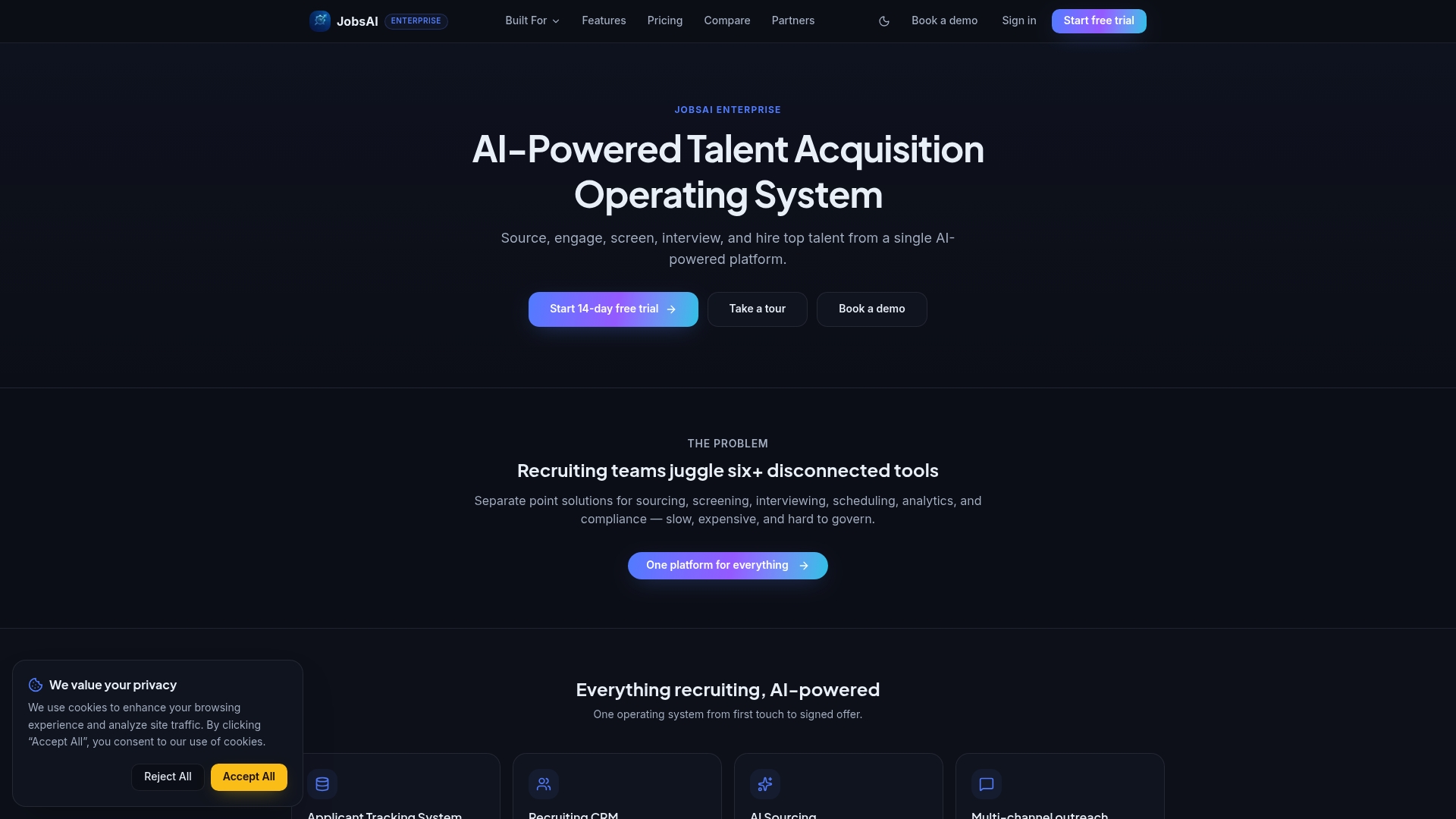
The platform handles AI screening, candidate ranking, talent pool management, and workflow automation in one place. That means your pilot doesn’t require stitching together three separate tools. You define the job requirements, set the screening criteria, and Jobsai Enterprise ranks applicants automatically. Recruiters review a shortlist, not a pile. The workflow automation layer moves candidates through stages based on your rules, and the hiring manager workspace keeps clients aligned without extra email threads.
Pricing details are on the Jobsai Enterprise pricing page. If you want to see how the platform maps to your specific workflow before committing, the product tour walks through the full feature set in about 15 minutes.
Useful sources and further reading
- Staffing Industry Analysts: How the Staffing Industry Can Prepare for the AI Revolution — The most authoritative industry research on automation’s impact on staffing margins and top-of-funnel cost reduction.
- IBM: What Is Recruitment Automation? — Clear definitions of ATS automation, AI scoring, and workflow orchestration with operational benchmark context.
- SHRM: The Evolving Role of AI in Recruitment and Retention — Practitioner-focused analysis of where AI is changing recruiter roles and what HR teams should prepare for.
- Gartner: Artificial Intelligence in HR — Strategic framing for HR leaders evaluating AI adoption, with guidance on governance and risk.
- Los Angeles Times: AI Threatens the Staffing Industry — Reporting on how employers are bringing screening in-house and the margin pressure this creates for agencies.
- eMarketer: Recruiting Shifts from Agencies to Algorithms — Analysis of platform moves by major tech vendors into end-to-end recruiting workflows.
- Jobsai Enterprise Blog — Practical guides on AI screening, bias mitigation, applicant data management, and staffing benchmarks, written for recruiters and TA teams.
FAQ
What is the role of automation in staffing?
Automation handles repetitive, rules-based tasks in the recruiting workflow, such as resume screening, interview scheduling, and candidate communications, so recruiters can focus on placements, client relationships, and judgment-based decisions.
How does automation help recruiters and staffing teams?
Automation reduces the administrative hours per placement, which lets recruiters manage more requisitions and respond to candidates faster. Agencies that automate screening typically process 20–30% more candidates per recruiter without adding headcount.
What is the best first process to automate in a staffing agency?
Phone screening or interview scheduling. Both consume the most recruiter hours, have clear before/after metrics, and use mature tooling. Run a 30-day pilot on one role type before expanding.
How do you prevent bias in automated hiring?
Audit your AI model’s training data for demographic skew, monitor funnel conversion rates by demographic group quarterly, and build human review gates before any offer is extended. The EEOC provides guidance on employer responsibility for AI-assisted hiring decisions.
Can Jobsai Enterprise support a staffing automation pilot?
Yes. Jobsai Enterprise covers AI screening, talent pool management, and workflow automation in one platform, which maps directly to a structured pilot. The product tour shows how the features work together before you commit.
Recommended
See it in your workflow
JobsAI Enterprise runs sourcing, AI screening, and the whole interview pipeline in one place. Book a walkthrough tailored to your team.
Book a demo