
Article
Recruiters: Pilot an AI Recruiting Chatbot in 4–6 Weeks
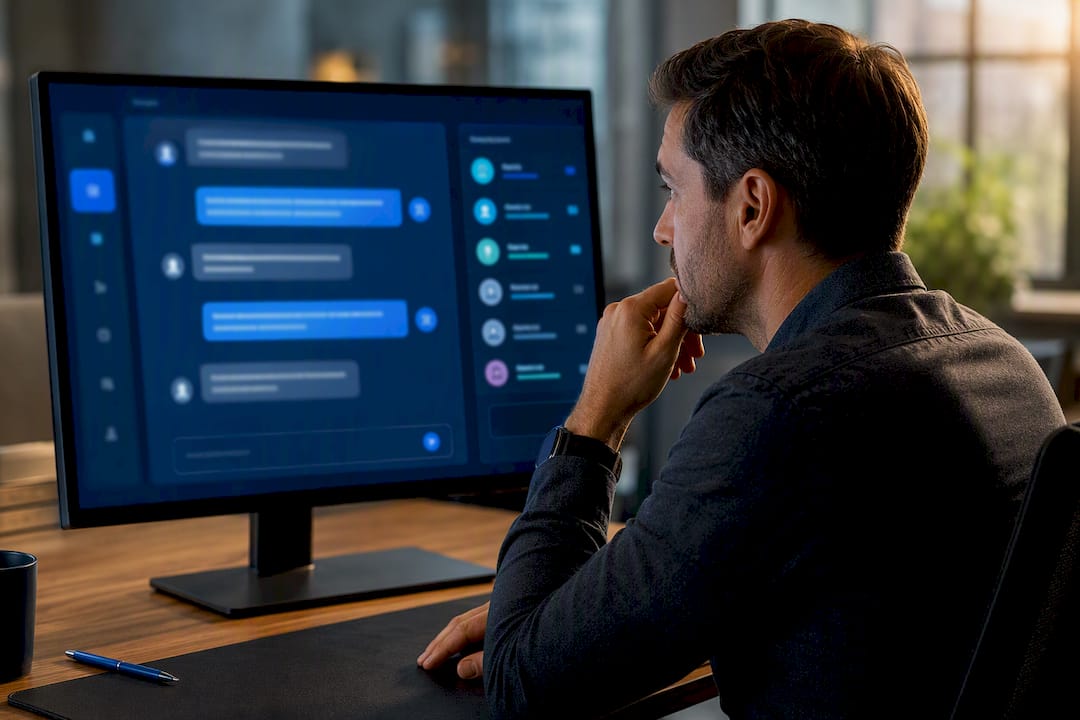
Recruiters: Pilot an AI Recruiting Chatbot in 4–6 Weeks
An AI recruiting chatbot automates candidate screening, interview scheduling, and routine Q&A so recruiters spend less time on administrative work and more time talking to qualified people. It fits best at the pre-screening, scheduling, and FAQ stages of your funnel, where speed and consistent follow-up matter more than judgment calls.
TL;DR:
- AI recruiting chatbots excel at pre-screening and scheduling tasks, with the ability to respond across multiple channels and integrate with existing applicant tracking systems.
- They can reduce time-to-screen candidates from days to minutes, improve response rates, and provide around-the-clock candidate support, especially across different time zones.
- Effective implementation requires pilot testing on high-volume roles for four to six weeks, with clear metrics like completion rates, candidate drop-off, and candidate satisfaction guiding adjustments.
- Critical features to evaluate before purchase include ATS sync, transparent scoring logic, real-time calendar integration, multichannel support, and strong data security measures.
- Maintaining human oversight, especially for borderline rejections, and calibrating automation cadence are essential to prevent candidate disengagement and ensure fair screening outcomes.
Table of Contents
- What Does an AI Recruiting Chatbot Actually Do?
- Is an AI Recruiting Chatbot Worth the Trade-Offs?
- What Features Should You Check Before You Buy?
- How Do You Roll One Out Without Hurting Candidate Experience?
- What Metrics Prove the Chatbot Is Working?
- Does JobsAI Enterprise Cover the Checklist?
- Where Chatbots Actually Earn Their Place
- Ready to See This Working in Your Pipeline?
- Sources
- FAQ
What Does an AI Recruiting Chatbot Actually Do?
An AI recruiting chatbot handles the repetitive front end of hiring: greeting applicants, collecting basic qualifications, asking screening questions, and offering interview slots without a recruiter typing a single message. Indeed frames these tools as automating candidate communications, pre-screening, and scheduling so hiring teams move candidates through the top of the funnel faster.
Most conversational AI recruiting tools sit on top of your existing stack rather than replacing it. They pull open roles from your applicant tracking system, write availability back to a recruiter’s calendar, and log every exchange in your recruiting CRM so nothing gets lost between the chat window and the pipeline view.
Capabilities you’ll typically find in a mature recruitment AI assistant include:
- Conversational apply, where a candidate answers questions in chat instead of filling out a static form
- Automated screening against job requirements, with scoring or flags for recruiter review
- Self-service interview scheduling synced to recruiter or hiring manager calendars
- FAQ handling for pay range, location, benefits, and process questions
- Multichannel reach across website chat, SMS, WhatsApp, and in-app messaging
The channel mix matters as much as the logic behind it. A candidate who applies from a phone during a commute is far more likely to respond to a text than open an email, which is part of why the strongest conversational hiring tools connect candidate questions, screening, and scheduling inside one workflow rather than three disconnected tools.
Is an AI Recruiting Chatbot Worth the Trade-Offs?
The operational case is straightforward: a chatbot that never sleeps answers a candidate’s question at 11 p.m. on a Sunday, when a recruiter would have let it sit until Monday. That single gap, multiplied across hundreds of applicants a month, is where most of the time savings actually show up.
Realistic benefits include:
- Faster screening. Candidates who don’t meet basic requirements get filtered out in minutes instead of days.
- Higher response rates. Instant replies keep candidates engaged instead of drifting to a competing offer.
- Around-the-clock coverage. Applicants in different time zones or work schedules get answers without waiting on business hours.
The risks are just as real. Candidates can feel bombarded by follow-up messages if cadence isn’t calibrated, and a scoring model built on flawed historical data can quietly replicate old bias instead of removing it. SHRM’s guidance on AI in hiring is direct on this point: governance and monitoring need to be built in from day one, not bolted on after a complaint. There’s also a softer risk: candidates who sense they’re talking to a script the entire way through an interview process tend to disengage, even when every answer they got was accurate.
Pro Tip: Keep a human recruiter in the loop for every rejection message tied to a borderline score. Automated screening should narrow the pool, not make the final call alone.
What Features Should You Check Before You Buy?
A chatbot is only as useful as the systems it talks to. Before signing anything, confirm the tool covers these fundamentals:
- ATS sync that updates candidate status automatically, so nobody manually re-enters data
- Screening logic and scoring that’s visible and editable, not a black box
- Calendar integration that respects recruiter and hiring manager availability in real time
- Channel support across web, SMS, and WhatsApp, since candidates don’t all live in one inbox
- Security and data handling that meets your company’s compliance standards for candidate information
Beyond the checklist of features, evaluate how much control you actually get. Ask whether you can adjust screening thresholds without a support ticket, whether admins can see every automated message a candidate received, and whether analytics break down performance by role, source, and recruiter. A tool that reports “messages sent” but not “candidates who dropped off after message three” isn’t giving you enough to manage quality.
Implementation effort varies more than vendors admit. Some platforms plug into an existing recruiting CRM in days; others require weeks of configuration and a dedicated project owner. Ask for a realistic timeline and a named point of contact for support, not just a sales deck.
How Do You Roll One Out Without Hurting Candidate Experience?
Start narrow. Rolling out a chatbot company-wide on day one is how most bias complaints and candidate-experience problems start.
- Pilot one high-volume role or channel first. Pick a job with enough applicant volume to generate real data within a few weeks, and define success metrics before you launch, not after.
- Set cadence limits and hand-off rules. Decide upfront how many follow-ups a candidate gets before a human recruiter steps in, and what triggers an automatic escalation, like a complaint or an ambiguous answer.
- Build a monitoring dashboard. Track completion rates and flag any pattern that looks like it’s screening out a protected group disproportionately, then correct it before scaling.
A common failure mode practitioners flag repeatedly: bots that send too many automated check-ins in a short window, which reads as spam rather than engagement. Calibrating tone and frequency early prevents most of the complaints that surface later.
Pro Tip: Run your pilot for four to six weeks on a single role before expanding. That’s enough time to see real completion and drop-off patterns without committing your whole pipeline to an unproven cadence.
What Metrics Prove the Chatbot Is Working?
Track a mix of speed and quality metrics, not just volume. The metrics that matter most:
- Time-to-fill and time-to-screen, measured before and after rollout on the same role type
- Completion rate, the share of candidates who finish the chatbot’s screening flow instead of abandoning it
- Interview show-rate, since automated scheduling should reduce no-shows, not just book more slots
- Candidate satisfaction, gathered through a short post-interaction survey
- Qualified candidate rate, the share of chatbot-screened applicants who actually pass a human review
Vendors in this space often advertise large reductions in time-to-apply and faster profile review, but treat those figures as market color rather than a guarantee for your own pipeline; every hiring process starts from a different baseline. To estimate real savings, multiply the hours your recruiters currently spend on manual first-pass screening by their loaded hourly cost, then compare that against the hours a pilot chatbot actually eliminates. That number, not a vendor’s marketing page, is the one worth putting in front of finance.
Does JobsAI Enterprise Cover the Checklist?
JobsAI Enterprise was built around the same checklist recruiters should apply to any AI hiring solution: does it screen accurately, sync with your systems, and keep a human in control of the final call?
- Screening and scoring that ranks applicants against job requirements automatically, with visibility into how a score was reached
- ATS and CRM sync so candidate status, messages, and scheduling live in one workspace instead of three disconnected tools
- Workflow automation that moves candidates between stages based on rules your team sets, not a fixed vendor template
- Bulk communications across email, SMS, and WhatsApp, with cadence controls to avoid the follow-up fatigue candidates report elsewhere
- Interview automation, including AI-assisted scheduling that reads recruiter and hiring manager calendars directly
A typical pilot use case looks like this: a staffing firm running high-volume seasonal hiring routes every application through automated screening and ranking first, then hands only the qualified shortlist to a recruiter for a final review call. The recruiting CRM layer keeps every candidate conversation attached to their profile, so nothing gets re-asked or lost between chat and interview.
Independent research on AI adoption in agencies backs the broader pattern here: firms that automate the repetitive parts of the pipeline see meaningful productivity gains without needing to add headcount to handle the same volume.
Where Chatbots Actually Earn Their Place
Chatbots earn their value at the first touch, not the last one. High-volume, early-funnel work, screening, scheduling, answering the same five questions a hundred times, is exactly where automation should live. The mistake most teams make isn’t adopting a chatbot; it’s forgetting to set a cadence limit, so a helpful tool turns into an annoyance by message four.
The other mistake is treating automation as a replacement for judgment instead of a filter that clears space for it. If you’re evaluating your first recruitment AI assistant, run a narrow pilot, watch completion and drop-off numbers closely, and only scale once the data backs the decision.
— Hippolyte A.
Ready to See This Working in Your Pipeline?
Most AI hiring tools force a choice between speed and control. An AI hiring platform gives recruiting agencies and HR teams both: automated screening and scoring that runs in the background, with every score, message, and hand-off visible to a human recruiter the moment they need it.
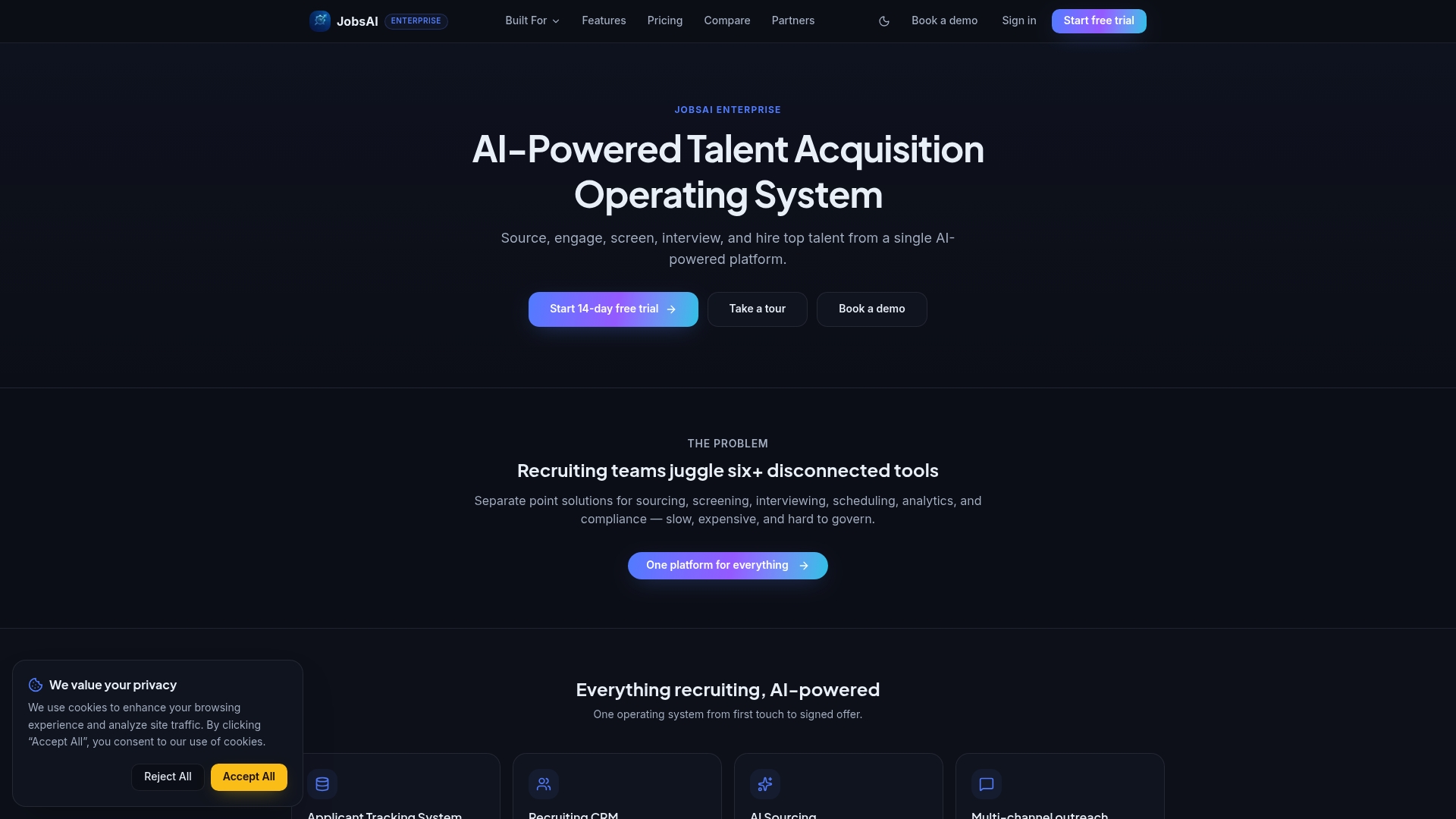
If you’ve been nodding along at the checklist in this guide, ATS sync, transparent scoring, cadence control, calendar integration, the fastest way to see whether it holds up is to look at the product directly. Take the product tour to see how screening, scheduling, and candidate communications work inside one workspace, or check pricing plans to see what fits your team’s hiring volume. Talent acquisition teams evaluating a first pilot can also start with the AI screening guide to see the governance controls in action before committing to a full rollout.
Sources
For deeper detail, see SHRM’s coverage of AI in talent acquisition, Indeed’s chatbot guide, and JobsAI Enterprise’s AI in recruiting guide.
- The impact of AI on talent acquisition and recruitment
- Study reveals why 70% of hiring managers lie to job candidates in 2024
FAQ
Which AI is best for recruiting?
There’s no single best AI recruiting chatbot for every team. The right choice depends on whether you need deep ATS integration, multichannel messaging, or built-in workflow automation, and platforms like JobsAI Enterprise are built specifically for agencies and HR teams managing high applicant volume.
Can recruiters tell if you have used AI on a resume or application?
Recruiters generally can’t reliably detect AI-assisted writing on a resume, but automated screening tools focus on whether the content matches job requirements, not on how it was drafted. What matters for candidates is accuracy: an AI recruiting chatbot will still screen against real qualifications during conversational apply.
Is there a free AI recruiting platform?
Most AI hiring solutions, including JobsAI Enterprise, offer a free trial rather than a permanently free tier, since ongoing screening, scheduling, and messaging volume carry real infrastructure costs. Check a vendor’s pricing page directly, since free trial length and feature access vary widely.
Do recruiters care if candidates use AI to write their resume?
Recruiters care more about whether a resume accurately reflects a candidate’s real experience than whether AI helped draft it. Forbes reporting on hiring manager behavior shows that transparency issues cut both ways, candidates and recruiters both do better when communication is accurate rather than polished for effect.
What’s the difference between an AI recruiting chatbot and a virtual recruiting assistant?
The terms are often used interchangeably, but a chatbot typically handles conversational tasks like screening and scheduling, while a broader virtual recruiting assistant may also cover sourcing, ranking, and workflow automation across the full hiring funnel.
Recommended
See it in your workflow
JobsAI Enterprise runs sourcing, AI screening, and the whole interview pipeline in one place. Book a walkthrough tailored to your team.
Book a demo